

Construction companies lose an average of 4.5% of gross payroll annually to time theft — workers...
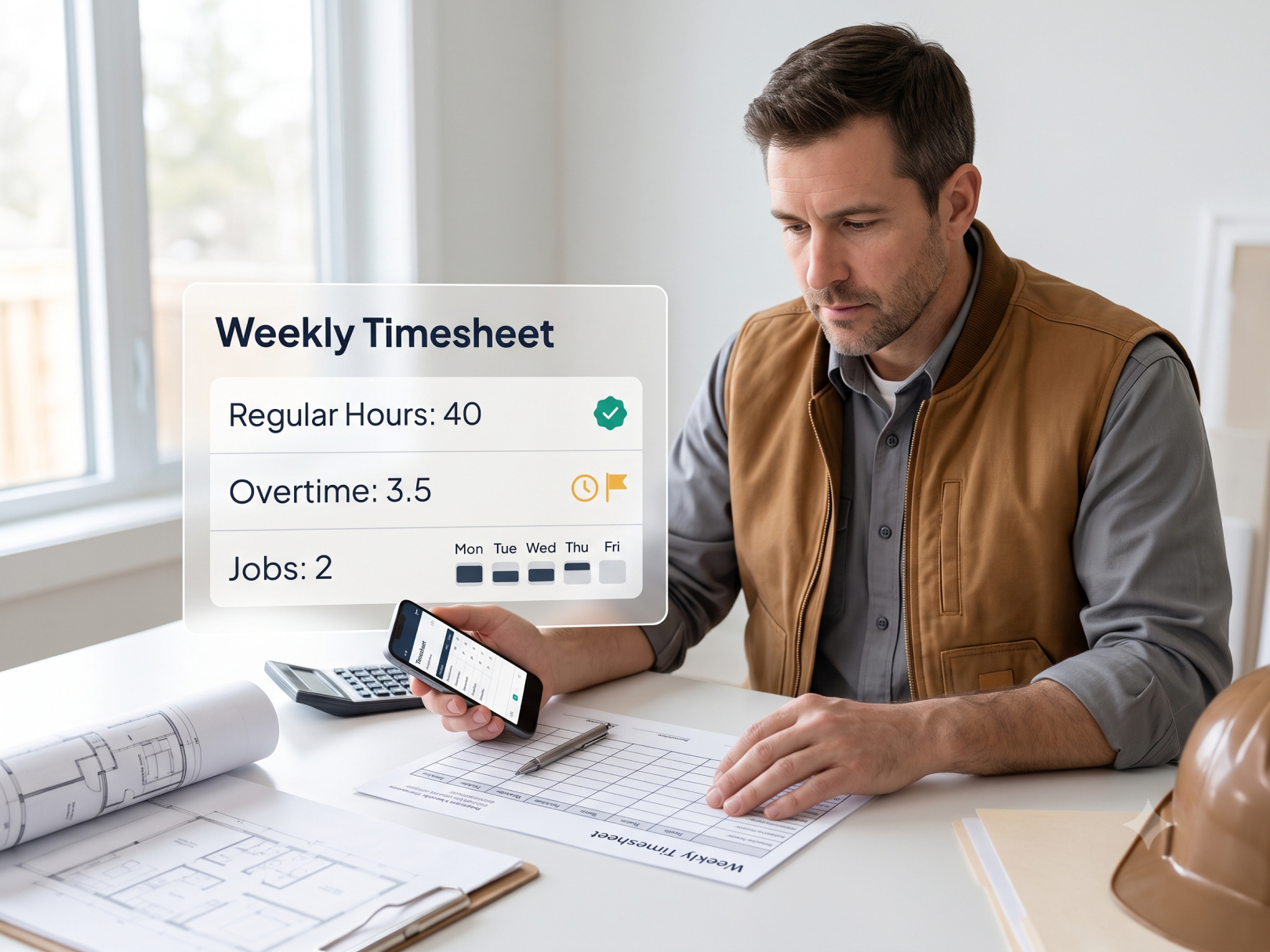 Construction timesheets are the financial foundation of your business. Every payroll dollar, every job cost entry, every overtime calculation, every certified payroll report — all of it starts with the time record that documents who worked, where, on what, and for how long. A bad timesheet system doesn't just cause payroll errors. It corrupts your job cost data, distorts your P&L, creates compliance exposure, and makes it impossible to understand why a project came in over budget.
Most contractors know their timesheet process is broken. The paper timesheets come in late, workers fill them out from memory, the admin spends hours chasing down missing information, and the job cost data is already stale before it's entered. The fix isn't complicated — but it requires choosing the right format, building a consistent process, and actually enforcing it.
This guide covers what a legally compliant construction timesheet must include, a free weekly timesheet template you can use today, how paper, spreadsheet, and app-based systems compare, and how to roll out a digital construction time sheet app to a crew that will push back.
What a Construction Timesheet Must Include
A construction timesheet must satisfy multiple compliance requirements simultaneously — federal FLSA record-keeping, state overtime rules, workers comp audit documentation, and (on public projects) certified payroll classification requirements.
Minimum required fields — every timesheet:
|
Field |
Why Required |
|---|---|
|
Employee full name |
FLSA, payroll identification |
|
Employee ID or last 4 SSN |
Payroll audit trail |
|
Pay period start and end dates |
FLSA workweek documentation |
|
Date for each day worked |
Overtime calculation requires daily records in California, Alaska, and Nevada |
|
Start time and end time each day |
Required for break compliance in CA, WA, OR, CO |
|
Total hours each day |
Overtime calculation |
|
Total hours for the pay period |
FLSA 40-hour threshold |
|
Overtime hours separately identified |
Payroll accuracy |
|
Project or job number |
Job cost allocation |
|
Employee signature |
Certification of accuracy |
|
Supervisor signature |
Approval and verification |
Additional fields for prevailing wage projects:
|
Field |
Why Required |
|---|---|
|
Trade classification each day |
Davis-Bacon requires classification by day |
|
Straight time hours by classification |
Certified payroll WH-347 |
|
Overtime hours by classification |
Certified payroll WH-347 |
|
Applicable prevailing wage rate |
Verification against payment |
See Construction Time Card Laws by State for state-specific fields required in California, New York, Washington, and other states with additional payroll documentation rules.
For state-specific requirements, see Construction Time Card Laws by StateFree Construction Timesheet Template
Copy and use this template for weekly paper or spreadsheet timesheets. Modify columns for your cost code structure.
WEEKLY CONSTRUCTION TIMESHEET
Company: _________________________ Pay Period: ________ to ________
Employee Name: _________________________ Employee ID: _____________
Job Title / Classification: _________________________ Dept: ___________
|
Date |
Day |
Job # |
Cost Code |
Start |
End |
Break |
Regular Hrs |
OT Hrs |
Total |
|---|---|---|---|---|---|---|---|---|---|
|
Mon |
|||||||||
|
Tue |
|||||||||
|
Wed |
|||||||||
|
Thu |
|||||||||
|
Fri |
|||||||||
|
Sat |
|||||||||
|
Sun |
|||||||||
|
TOTAL |
If hours split across multiple jobs in one day, use a separate row per job.
Pay Summary
|
Pay Type |
Hours |
Rate |
Amount |
|---|---|---|---|
|
Regular time |
$ |
$ |
|
|
Overtime (1.5×) |
$ |
$ |
|
|
Double time (2×) |
$ |
$ |
|
|
Total |
$ |
Certification
I certify that the hours recorded above are accurate and represent actual time worked.
Employee Signature: _________________________ Date: __________
Supervisor Signature: _________________________ Date: __________
Timesheets must be submitted by [DAY] at [TIME]. Late timesheets will be processed in the following pay cycle.
For prevailing wage projects, add these fields:
|
Date |
Classification |
ST Hours |
OT Hours |
Prevailing Wage Rate |
Fringe Rate |
|---|---|---|---|---|---|
|
$ |
$ |
Paper vs. Spreadsheet vs. App: Which Is Right for Your Operation
Paper Timesheets
Best for: Crews of 1–5 workers, single job site, no prevailing wage, owner does their own payroll.
|
Pros |
Cons |
|---|---|
|
Zero cost |
Hours filled from memory — inaccurate |
|
No tech required |
No audit trail for start/end times |
|
Works without cell service |
Easy to alter retroactively |
|
Manual transcription to payroll = errors |
|
|
Lost timesheets = missing records |
|
|
3–5 day data lag |
|
|
No overtime visibility until payroll |
If you use paper timesheets, require daily completion — not weekly from memory. A worker who fills out Friday's timesheet on Thursday afternoon is guessing what Wednesday looked like. See How to Stop Payroll Theft on Construction Job Sites for how paper systems enable time inflation.
Paper systems often lead to inflated hours or missed overtime. Learn how manual systems enable time abuse in How to Stop Payroll Theft on Construction Job Sites
Spreadsheet Timesheets (Google Sheets, Excel)
Best for: 5–15 workers, owner or office admin familiar with spreadsheets, basic payroll processing.
|
Pros |
Cons |
|---|---|
|
Low cost (free tools) |
Still relies on self-reported hours |
|
Easier to aggregate than paper |
No GPS verification |
|
Formulas automate overtime calculation |
Workers need device access to submit |
|
Shareable with payroll processor |
Version control issues on shared files |
|
Basic job cost allocation possible |
Manual approval workflow |
|
No real-time visibility |
A well-structured Google Sheets template with automated overtime formulas is a significant improvement over paper — the math is right, the data is centralized, and historical records are searchable. The core problem remains: self-reported hours with no verification.
Construction Time Sheet App
Best for: 10+ workers, multiple job sites, job cost integration needed, prevailing wage exposure, multi-project operations.
|
Pros |
Cons |
|---|---|
|
GPS-verified clock-in — not self-reported |
Monthly software cost |
|
Real-time crew visibility |
Requires crew smartphones |
|
Automatic overtime calculation by state |
Training investment for rollout |
|
Direct payroll export — no transcription |
Some field resistance initially |
|
Job cost code allocation at clock-in |
|
|
Certified payroll generation (on capable apps) |
|
|
Cloud record retention — no lost timesheets |
|
|
Audit trail — GPS, timestamp, device ID |
For contractors above 10 field workers or running multiple projects, the ROI of a construction time tracking app is clear within the first payroll cycle. See How Construction Time Tracking Reduces Labor Cost Overruns for the financial case.
If you're evaluating platforms, review this full Construction Project Management Guide
Choosing a Construction Timesheet App
The construction time keeping software market has dozens of options. For most contractors, the decision comes down to five questions:
Do you need job cost integration? If workers need to log hours against specific cost codes — not just projects — you need an app with cost code support at clock-in. This eliminates most generic time tracking apps and narrows the field to construction-specific tools.
Do you have prevailing wage exposure? If yes, you need an app that captures wage classification by day and generates certified payroll reports. Most apps don't. Verify this before buying.
How many job sites run simultaneously? 1–2 sites: any construction time clock app handles this. 4+ simultaneous sites: you need multi-site geofencing and a consolidated crew dashboard. See How to Track Construction Crew Hours Across Multiple Job Sites.
What payroll system do you use? Verify the app exports in your payroll processor's format before buying. QuickBooks integration is standard. Sage 100 Contractor and Foundation Software integrations are less common — verify specifically.
What's your crew's tech comfort level? A 6-step clock-in process will fail with a crew that's never used a smartphone for work. Match the app's interface complexity to your crew's actual comfort level.For a full market comparison, see Top 5 Construction Time Tracking Apps. For alternatives to the market leader, see Top 5 BusyBusy Alternatives. For a direct comparison of the two most common choices, see BusyBusy vs. TaskTag.
Rolling Out a Digital Timesheet System to a Resistant Crew
.jpg?width=800&height=600&name=2%20(46).jpg)
Field worker resistance is the #1 reason digital timesheet rollouts fail — not the technology. Construction workers have legitimate concerns: GPS tracking feels like surveillance, older workers are uncomfortable with apps, and anyone who's padded hours has obvious reasons to resist.
Address resistance before it becomes inertia:
The Honest Conversation
Don't hide the GPS. Tell the crew directly:
"We're moving to a time tracking app. It records GPS at clock-in. Here's why it's good for you: your hours are timestamped exactly — no more foreman errors on paper, no more disputes about what time you showed up. Your overtime is calculated automatically. If there's ever a payroll question, you have proof."
Workers who've been shorted hours on paper timesheets — and most experienced construction workers have been — understand the value.
Train on the Actual App, Not a Slide Deck
Set up a 15-minute hands-on session on-site. Workers download the app, log in, and complete a practice clock-in. Questions surface immediately and get answered before Day 1 of live operation. A slide deck about how to use an app doesn't stick. Doing it once does.
Pair With a Crew Champion
Identify one worker per crew who is tech-comfortable and respected. That person becomes the informal go-to for questions. Workers trust their peers more than management on tech issues.
Hard Cutover Date — No Hybrid Period
Set a date. After that date, paper timesheets are not accepted for payroll. Period. Dual systems — paper backup alongside the app — give resistors a permanent workaround. The first cycle is the hardest. After one clean payroll cycle on the app, adoption is self-sustaining.
Handle the First Week's Exceptions Generously
Workers will forget to clock in. Phones will die. GPS will misfire at an unfamiliar site. The first week will have exceptions. Handle them quickly and without blame — manual entries with a documented reason. The exceptions drop dramatically after week 2.
See Time Tracking for Construction Workers for a field worker's guide to app-based clock-in you can share directly with your crew.
Common Timesheet Errors and How to Fix Them
.jpg?width=800&height=600&name=2%20(47).jpg)
Error 1: Hours submitted from memory at week end
Workers fill out weekly timesheets on Friday from memory — or on Monday for the prior week. Hours are estimated, rounded, and inaccurate.
Fix: Require daily submission. On paper: fill out before leaving site. On app: clock out at departure — no end-of-day manual entry.
Error 2: Wrong job number
Worker selects Job A when they're actually at Job B. Common on multi-project operations where job numbers are similar.
Fix: GPS validation — app confirms the selected job matches the worker's GPS location. If they don't match, the system flags it. See How to Track Construction Crew Hours Across Multiple Job Sites.
Error 3: Missing break records
In California, Washington, Oregon, and Colorado, break time must be documented to prove compliance. Workers who don't clock out for breaks create compliance exposure.
Fix: Configure break reminders in your construction timekeeping app — notification to worker and supervisor when break time is approaching. See Construction Time Card Laws by State.
Error 4: Overtime miscalculation on salary or piece-rate workers
Non-exempt workers paid salary or piece rate still have overtime rights. The overtime calculation uses the "regular rate" — not the salary amount divided by 40 hours. This is consistently miscalculated.
Fix: Use a payroll processor that handles regular rate calculation, not manual math. Verify your setup with an employment attorney if you have salaried non-exempt workers.
Error 5: Split-day hours assigned entirely to one project
Worker splits a day between two jobs, assigns all hours to one. The other job shows no labor cost for a day work was performed.
Fix: App clock-out from Job A when leaving, clock-in at Job B when arriving. GPS makes the transition automatic if geofences are configured correctly.
Error 6: Supervisor signs without reviewing
Supervisor signs the timesheet without checking total hours, overtime, or whether the job codes make sense. Errors pass through to payroll undetected.
Fix: Supervisor approval workflow that shows total hours, overtime flag, and job code breakdown before approval. A supervisor approving 14 time records in 30 seconds isn't reviewing — they're rubber-stamping.
Error 7: Late submittals creating retroactive overtime
Worker submits hours from three weeks ago. Those hours, when added to weeks already processed, would have generated overtime. Late-discovered overtime creates back wage liability and disrupts payroll.
Fix: Hard submission deadlines with clear consequences. Any hours not submitted within 5 business days require supervisor approval and a written explanation. Build this into your employee handbook — see How to Hire Construction Workers.
Timesheet Approval Workflow
A clear approval chain prevents errors from reaching payroll:
Daily (on app-based systems):
- Worker clocks in and out with GPS verification
- Foreman reviews prior day's crew time before 9am — approves or flags exceptions
- Exceptions (missing clock-in, outside geofence, manual entry) get documented reason
Weekly at pay period close:
- Foreman final approval of all hours for the pay period
- PM or superintendent reviews any overtime over budget threshold
- Payroll coordinator exports approved hours to payroll system
- Payroll processes — no manual transcription
Exception process:
- Missed clock-in: Worker submits manual entry with reason. Foreman approves.
- Device failure: Foreman enters hours on worker's behalf with device failure noted.
- Retroactive correction: Requires supervisor + owner approval, documented reason.
All exceptions create an audit trail — who entered, who approved, why. This is your defense in a wage claim or DOL audit.
Timesheet Record Retention
|
Record Type |
Minimum Retention |
Recommended |
|---|---|---|
|
Daily time records |
2 years (FLSA) |
6 years |
|
Payroll records |
3 years (FLSA) |
6 years |
|
Certified payroll (Davis-Bacon) |
3 years post-project |
6 years |
|
New York payroll records |
6 years (state law) |
6 years |
|
California payroll records |
3 years |
6 years |
|
Workers comp records |
Varies (3–5 years by state) |
6 years |
Store records in a format that's actually retrievable under audit. Paper timesheets in a filing cabinet get lost, damaged, and misfiled. Cloud-based construction employee time tracking with automatic backup satisfies retention requirements and produces complete records on demand.
For tax-year record retention connected to payroll deductions, see Contractor Tax Deductions.
Timesheet Setup Checklist
For paper or spreadsheet systems:
- [ ] Template includes all FLSA required fields
- [ ] Separate rows for each job/cost code when worker splits days
- [ ] Start time / end time fields (not just total hours)
- [ ] Break time recorded separately
- [ ] Employee and supervisor signature fields
- [ ] Daily completion required — not weekly from memory
- [ ] Submission deadline enforced with consequences
- [ ] Records stored securely for 6 years minimum
For app-based systems:
- [ ] App selected with required features (GPS, cost codes, payroll export)
- [ ] Projects and cost codes set up before rollout
- [ ] Geofences configured for all active job sites
- [ ] Overtime thresholds set by state for each project
- [ ] Supervisor approval workflow configured
- [ ] Payroll export tested with payroll processor before live use
- [ ] Crew trained — hands-on, not slide deck
- [ ] Hard cutover date set — no paper backup after that date
- [ ] Exception handling process documented and communicated
- [ ] Cloud backup and retention policy confirmed
Ongoing:
- [ ] Daily approvals completed by foreman before 9am
- [ ] Weekly payroll export reviewed before processing
- [ ] Monthly: exceptions log reviewed for patterns
- [ ] Quarterly: geofence accuracy and data quality review
- [ ] Annual: retention purge of records beyond required period
When to Upgrade to a Construction Time Tracking App
Upgrade if:
- You manage 10+ field workers
- You run multiple projects
- You process prevailing wage
- You need cost-code-level labor reporting
- Payroll errors are common
To evaluate pricing and plan options, visit TaskTag Pricing Plans
Or start immediately with Start Your Free TaskTag Account
You can also Download the TaskTag App for field use:
If you prefer a walkthrough, Book a TaskTag Demo
Related Resources
TaskTag Features and Comparisons
- GPS Time Tracking for Construction — app-based timesheet with GPS verification, cost codes, payroll export
- Time Tracking for Construction Workers — field worker guide to digital timesheets
- Construction Time Tracking Software Guide — how to evaluate timesheet apps for your operation
- Top 5 Construction Time Tracking Apps — feature and pricing comparison with timesheet templates
- Top 5 BusyBusy Alternatives — app alternatives with timesheet and compliance features
- TaskTag vs. BusyBusy — timesheet feature comparison
- Time Tracking for Landscapers — daily timesheet management for multi-stop outdoor crews
Related Blog Posts
- Construction Time Card Laws by State — what fields your timesheet must include by state and project type
- How to Stop Payroll Theft on Construction Job Sites — how GPS timesheets eliminate buddy punching and hour inflation
- How Construction Time Tracking Reduces Labor Cost Overruns — connecting timesheet data to job cost control
- How to Track Construction Crew Hours Across Multiple Job Sites — multi-project timesheet management
- BusyBusy vs. TaskTag — comparing the two most common construction timesheet apps
- Construction Job Costing — how cost code timesheet entries feed budget vs. actual
- Contractor Profit and Loss Statement — how timesheet accuracy affects company financials
- Construction Cash Flow Management — payroll timing and labor cost forecasting from timesheet data
- Construction Daily Report Template — daily site log that works alongside timesheet records
- How to Hire Construction Workers — onboarding workers with timesheet policies and submission requirements
- Contractor Tax Deductions — timesheet software deductions and payroll record retention for tax purposes
- Construction Overhead and Profit — using accurate timesheet data to calculate real labor burden rates