


Mechanic's liens are the most powerful payment protection tool available to construction...
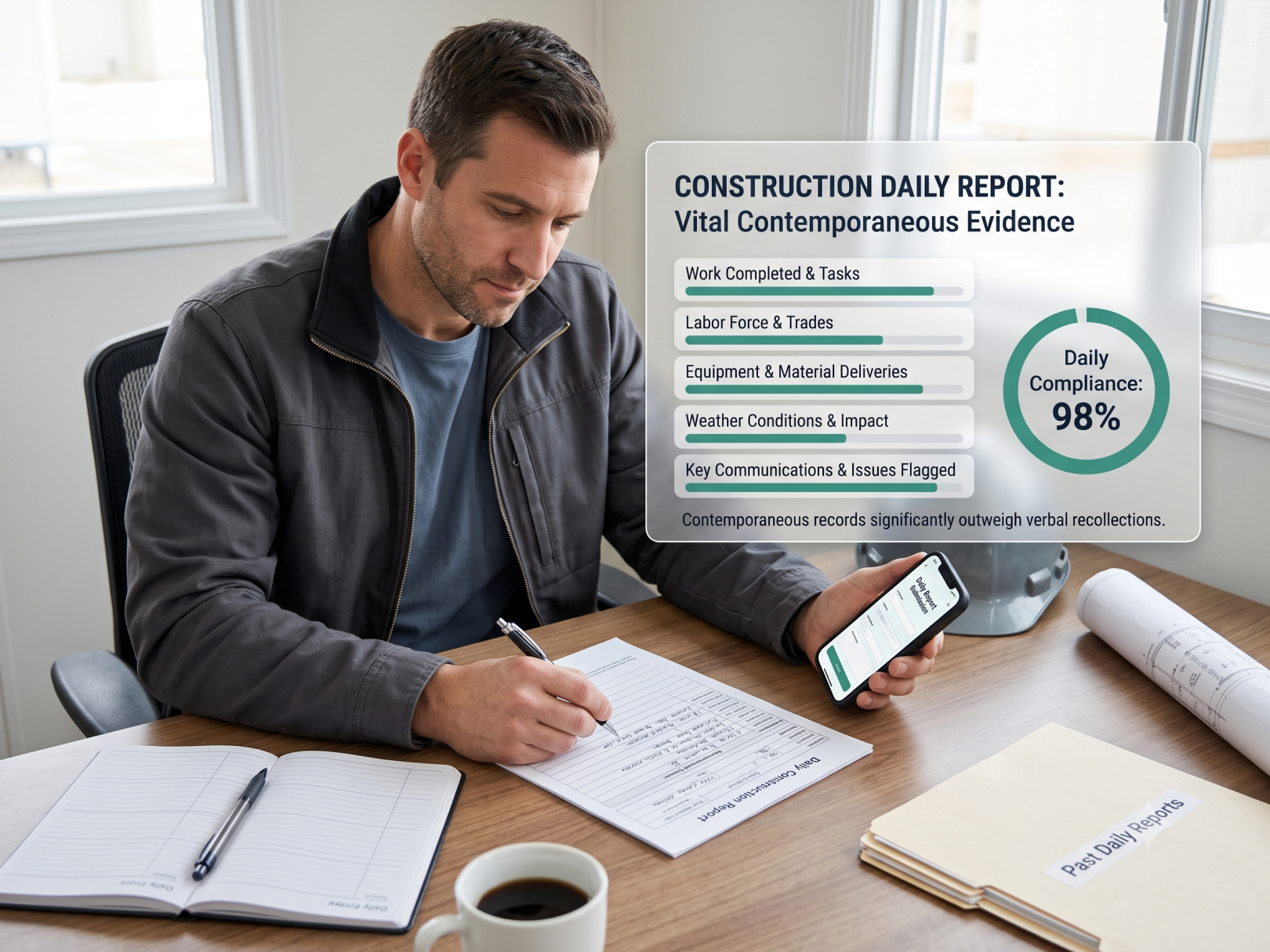 The daily report is the most underused legal protection in construction. When a dispute arises — delay claim, change order disagreement, defect allegation, payment withholding — the party with contemporaneous daily records wins and the party relying on memory loses. A foreman who filed a daily report every day for 8 months of a project has 160+ timestamped documents showing exactly what work was done, who was on site, what weather affected production, what the owner was told and when, and what problems were flagged. An owner who claims the contractor caused a delay has to argue against that record.
Beyond legal protection, daily reports are the primary feedback mechanism between field and office on construction projects. A superintendent managing three sites who reads foreman reports every morning knows which sites are on track and which need intervention — without driving to every job. A PM who can pull a daily report from six weeks ago to answer an owner's question about when a specific scope was completed looks competent and prepared.
This guide covers what belongs in every daily report, how construction time tracking software data feeds daily reports automatically, a complete template you can use today, and how daily reports connect to delay claims, change orders, and payment disputes.
If you're building stronger documentation systems, also review this complete Construction Project Management Guide:
Why Daily Reports Matter
.jpg?width=600&height=450&name=3%20(25).jpg)
Legal and Dispute Protection
Construction disputes are resolved on documentation. Courts, arbitrators, and mediators evaluate:
- What was the contract requirement?
- What actually happened in the field?
- Who knew what, when?
Daily reports answer the second and third questions. They are contemporaneous records — created at the time of the events they describe, not reconstructed later. Courts give contemporaneous records significantly more weight than testimony about events from months or years earlier.
Specific situations where daily reports are decisive:
Delay claims: Owner claims contractor caused a 45-day delay. Daily reports show that 20 of those days had weather preventing concrete pours, 12 days had owner-directed scope changes that weren't yet approved, and 8 days were caused by a subcontractor the owner specified. Without daily records documenting each cause on the day it occurred, that defense is largely verbal.
See Construction Project Delay for delay claim documentation strategy.
Change order disputes: Owner denies that verbal instructions constituted a change order. Daily report from that day notes "Owner directed additional waterproofing on north wall — not in contract documents — pending written direction." That entry establishes the directive was given and the contractor identified it as out-of-scope in real time.
Defect claims: Owner alleges improper concrete placement. Daily reports show placement conditions, mix design confirmation, slump test results, temperature readings, crew present, and inspector sign-off for every pour.
See Construction Defect Claims for how contemporaneous records affect defect liability.
Payment disputes: Owner withholds payment claiming work isn't complete. Daily reports with photos and scope descriptions document completion dates for every work element — shifting the burden of proof.
Operational Value
Beyond legal protection, daily reports:
- Create a real-time schedule tracking tool — work completed vs. work planned
- Document resource consumption — labor hours, materials used, equipment on site
- Identify recurring productivity problems before they become budget overruns
- Preserve institutional knowledge when foremen change
- Support closeout documentation requirements
If you're managing schedule risk, proper documentation is a core component of project management software for general contractors:
Effective documentation becomes easier when combined with construction photo documentation software that ties field notes to images:
Structured jobsite photos & daily progress tracking systems help create that audit trail:
What Goes in Every Daily Report
Required Daily Fields
Date and Project Information
- Date, project name, project number
- Report number (sequential — gaps in numbering raise questions)
- Reporting foreman / superintendent name
Weather
- Morning and afternoon conditions
- Temperature (high/low)
- Wind, precipitation, visibility issues
- Whether weather affected productivity and how
Weather documentation is critical for delay claims. "Rain, no concrete work" is not enough. "Heavy rain 7am–2pm, temperature 38°F — concrete placement postponed per spec section 03300 cold weather requirements; crew reassigned to interior framing" is a record.
Crew
- Every worker present, by name or ID
- Trade classification
- Hours worked (start, stop, break)
- Any workers absent who were expected
This data should come directly from your construction time clock app — not re-entered manually. A time tracking system that exports a daily crew roster by project eliminates the double-entry and ensures the daily report crew list matches payroll records exactly.
This section should come directly from your GPS Timesheets for Contractors system:
https://blog.tasktag.com/timesheets
Manual entry creates inconsistencies between payroll and field logs.
Using verified construction time tracking resources ensures your daily report matches payroll records exactly.
Work Completed
- Scope items completed, by location
- Quantities installed (linear feet of pipe, square feet of drywall, cubic yards of concrete)
- Percentage complete by major scope element
- Work started vs. work finished
Be specific. "Framing" is not adequate. "Completed second-floor north wall framing, gridlines A-D, 100% of scope. Started second-floor south wall framing, 60% complete" is a record.
Materials Received
- Deliveries received: material type, quantity, supplier, delivery ticket number
- Materials rejected or returned, with reason
- Materials consumed vs. stored
Equipment on Site
- Equipment present (type, ID number)
- Equipment hours
- Equipment not on site that was expected (note reason)
Subcontractors
- Each subcontractor present
- Crew size and trades
- Work performed
- Subcontractors absent who were scheduled — note whether they gave advance notice
Visitors and Inspections
- Owner or owner's representative: name, time, what was discussed
- Architect / engineer site visits
- Inspector visits: type of inspection, result (passed/failed/conditional), inspector name and badge number
- Any verbal instructions or directions from owner or A/E
Issues, Delays, and Events
- Anything that affected or may affect schedule or cost
- RFIs submitted or received
- Potential change order situations identified
- Safety incidents (even minor — near-miss logging is best practice)
- Equipment breakdowns
- Material shortages or substitutions
Photos
- Work in progress for major scope items
- Pre-existing conditions if relevant
- Concealed work before cover-up (critical — once covered, the record is the only proof)
- Damage discovered to adjacent work
- Conditions affecting schedule
How Time Tracking Feeds Daily Reports
The crew section of the daily report — every worker, their trade, their hours — is the most time-consuming section to complete manually. It's also the section most prone to error when filled out from memory at end of day.
Construction employee time tracking eliminates this problem. When every worker clocks in and out with GPS verification and project/cost code selection, the time tracking system already has:
- Complete crew roster by project for the day
- Trade classification per worker
- Start time, end time, break time per worker
- Total hours per worker
- Which cost codes each worker charged time to
A construction timesheet app that exports a daily crew summary by project turns a 20-minute manual crew log into a 30-second data paste. The foreman's time is spent on the sections that require field judgment — work completed descriptions, issue documentation, visitor notes — not transcribing names and hours from memory.
Consistency matters legally. When a time tracking system provides the crew data and a daily report records the same data, both sources tell the same story. When a handwritten daily report shows a different crew count than the payroll records, the discrepancy creates questions in a dispute that didn't need to exist.
GPS verification adds another layer: the time tracking record shows each worker's location at clock-in and clock-out, confirming they were physically on site. On a prevailing wage project, this is compliance documentation. On any project, it prevents questions about whether reported work hours reflect actual site presence.
Who Writes Daily Reports and When
Timing
Daily reports must be written the same day to be contemporaneous records. A weekly summary written Friday covering Monday through Friday is not a daily report — it's a weekly summary created from memory. Courts and arbitrators know the difference.
Optimal timing: foreman completes report before leaving the site. Writing from the job site while the day is fresh produces better records than writing from home at 9pm. If the foreman leaves before some information is available (afternoon inspection result, late delivery), note "pending" and complete within 24 hours.
Who Reviews
- Foreman: Completes the report. Signs it.
- Superintendent: Reviews for completeness and accuracy. Notes any additions from the office perspective. Signs or initials.
- PM/Project Engineer: May review for cost or schedule issues flagged in the report. Issues flagged in daily reports should trigger follow-up action tracked in a separate log.
Digital vs. Paper
Paper daily reports create problems at scale:
- Storage and retrieval for multi-year projects
- Unavailable to office staff in real time
- Degradation, loss, and illegibility risk
- No searchability (try finding every daily report that mentions a specific sub)
Digital daily reports submitted via a construction management platform or even a structured email/form system:
- Available to the full project team immediately
- Searchable by date, keyword, trade
- Storable indefinitely in cloud systems
- Exportable for legal proceedings
- Timestamp of submission is automatic — establishes contemporaneity
The construction time keeping software that handles crew time data integrates cleanly with digital daily report workflows — the crew section populates from time records, the foreman adds field observations, and the complete report is submitted and archived in the same system.
Daily Reports and Change Orders
Daily reports are the primary source document for change order substantiation. When an owner questions a change order, the supporting documentation chain is:
- Owner direction (verbal or written) → documented in daily report on the date it was given
- Work performed pursuant to direction → documented in daily report on execution days (labor hours, materials, equipment)
- Cost accumulation → labor hours from time tracking records, material receipts, equipment logs
- Change order submitted → references daily report entries and time records
A change order without daily report backup is a number on a page. A change order backed by 12 daily report entries documenting the directed work, the labor hours per day, and the materials received is a claim with evidence.
Verbal direction documentation is critical. Most disputed change orders involve owner verbal instructions that the owner later doesn't recall or disputes. A daily report entry on the day of the instruction — "Owner's representative (Jane Smith, ABC Development) directed contractor to install additional grounding electrode conductor per architect's verbal instruction, gridlines B-C, 3rd floor mechanical room. Advised owner this is outside contract scope; awaiting written direction. Work proceeding at owner's verbal direction per contract section 7.3." — establishes the instruction was given, was identified as a change, and was communicated to the owner.
See How to Negotiate a Construction Contract for contract language governing verbal directions and change order notice requirements.
Daily Reports and Project Closeout
At project end, the complete daily report set becomes a permanent project record. See Construction Project Closeout for closeout documentation requirements — daily reports are typically retained for:
- Duration of any applicable statute of repose (construction defect claims) — 6–10 years in most states
- Duration of any warranty period plus statute of limitations
- Minimum 3 years for prevailing wage projects (federal requirement)
The daily report archive at closeout should be:
- Complete (no missing dates — explain gaps if they exist)
- Sequential by report number
- Indexed by date for searchability
- Stored in a format that remains readable for the retention period
Common Daily Report Mistakes
.jpg?width=600&height=450&name=3%20(26).jpg)
Vague work descriptions. "Framing" tells a court nothing. "Completed first-floor interior partition framing, rooms 101-108, all framing complete and ready for rough-in inspection" is a record.
Skipping days. Missing daily reports create gaps in the record. An opponent will argue that something went wrong on missing days — otherwise why no report? Fill every day. On days with no work (rain out, holiday, material delay), write a report noting the reason.
Not documenting owner and A/E directions. Every verbal instruction from the owner, architect, or engineer gets documented that day. Not next week when it becomes a dispute.
Inconsistent crew records. Daily report shows 12 workers; payroll shows 10 workers that day. The discrepancy is unexplained and raises questions that don't need to exist. Use construction employee time tracking app data to populate crew section — no inconsistencies possible.
No photo documentation of concealed work. Concrete reinforcement, waterproofing, underground utilities — once covered, the daily report and photos are the only record. Every scope that gets covered must be photographed before cover-up.
Not flagging potential changes in real time. A scope deviation that isn't flagged the day it occurs becomes a contractor-absorbed cost. The daily report entry — "Work proceeding outside contract scope per owner direction" — establishes the basis for a change order.
Daily Report Checklist
Every day:
- [ ] Date, project, report number completed
- [ ] Weather documented — conditions AND impact on work
- [ ] Complete crew list from time tracking export — all names, trades, hours
- [ ] Work completed described in specific terms with quantities
- [ ] All subcontractors present noted; absent subs noted with reason
- [ ] All deliveries logged with delivery ticket number
- [ ] All visitors, inspections, and owner/A/E directions documented
- [ ] Issues, change order triggers, safety incidents documented
- [ ] Photos taken of concealed work, completed scope, any issues
- [ ] Tomorrow's planned work noted
- [ ] Report submitted same day — not next morning
Weekly:
- [ ] Report numbers sequential — no gaps
- [ ] Superintendent has reviewed all reports for the week
- [ ] Issues flagged in reports are tracked to resolution
Using a structured system like TaskTag Construction Software Features ensures crew logs match payroll and eliminate manual error.
Mobile time tracking also allows crews to start managing projects from the field without office re-entry.
If you're comparing systems, see this TaskTag vs CompanyCam comparison to understand documentation differences.
Related Resources
TaskTag Features
- GPS Time Tracking for Construction — daily crew roster export by project for daily report crew section
- Construction Time Tracking Software Guide — time data integration with daily reporting workflows
- Time Tracking for Construction Workers — worker clock-in data that populates daily crew documentation
- Top 5 Construction Time Tracking Apps — apps with daily report integration and export
- Top 5 BusyBusy Alternatives — alternatives with daily report and crew tracking features
- TaskTag vs. BusyBusy — daily report and documentation comparison
Related Blog Posts
- Construction Project Delay — daily reports as delay claim documentation
- Construction Defect Claims — daily records in defect defense
- How to Negotiate a Construction Contract — change order notice requirements documented through daily reports
- Construction Project Closeout — daily report retention and closeout documentation
- Construction WIP Report — daily progress data feeding WIP updates
- Construction Cash Flow Management — daily production data supporting billing applications
.jpg?height=200&name=1%20(38).jpg)
.jpg?height=200&name=1%20(15).jpg)