

For a roofer, the photo set is the product's proof: it shows the roof before, during, and after,...
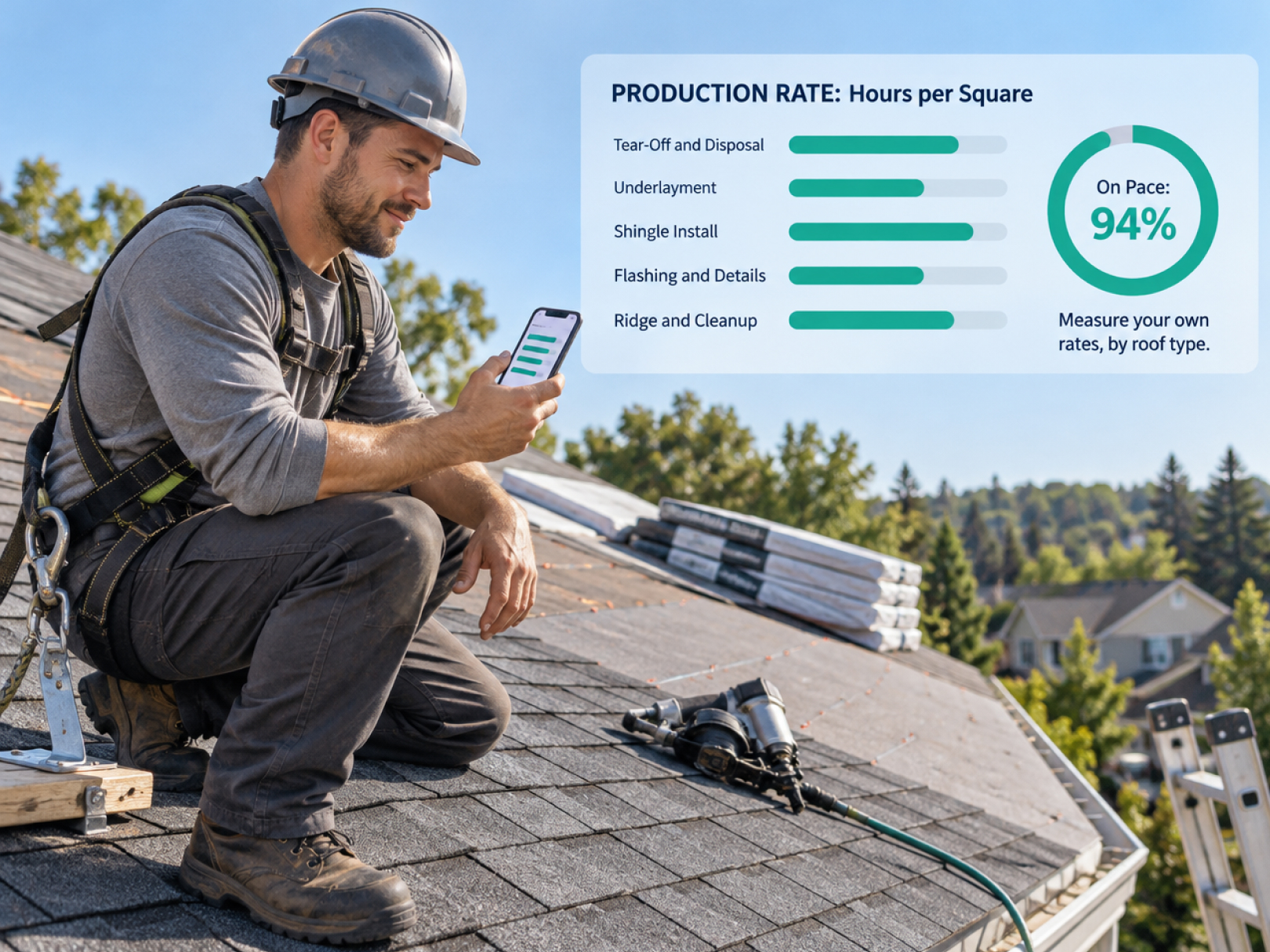 A roofing production rate is the number of squares a crew installs per day, and it is the single most useful number a roofing company can know about itself. One square equals 100 square feet of roof. If you know your crews average 14 squares per day on a simple 6/12 asphalt re-roof, you can price labor accurately, schedule jobs honestly, and spot a losing job in week one instead of at closeout.
Most roofers carry a production rate in their heads or borrow one from a supplier's chart. The better move is to measure your own, from your own crews, by roof type, using time records and completed squares. This guide covers how to collect that data, how to calculate usable rates, what factors change them, and how to use them in bids and schedules. It builds on the daily operating routines in the roofing project manager role guide.
All numbers below are illustrative examples. Your rates will differ by crew, region, materials, and roof complexity, which is the reason to measure them.
What a Production Rate Actually Measures
There are two common ways to express production, and you need both.
Squares per crew-day. How many squares a crew installs in a standard working day. Easy to schedule with, but it hides crew size differences.
Labor hours per square. Total paid labor hours divided by squares installed. This is the number that drives your bid, because labor cost is hours times your loaded wage rate.
Example:
- A 4-person crew works 8 hours on a 30-square roof and finishes in 2 days
- Total labor hours: 4 workers × 8 hours × 2 days = 64 hours
- Labor hours per square: 64 ÷ 30 = 2.13 hours per square
If your loaded labor cost is $40 per hour, installation labor on that roof is about $85 per square. Change any input and the number moves, which is why measuring beats guessing.
Track the rate by phase as well as in total, since tear-off, dry-in, shingling, and flashing each have different productivity.
The Data You Need to Collect
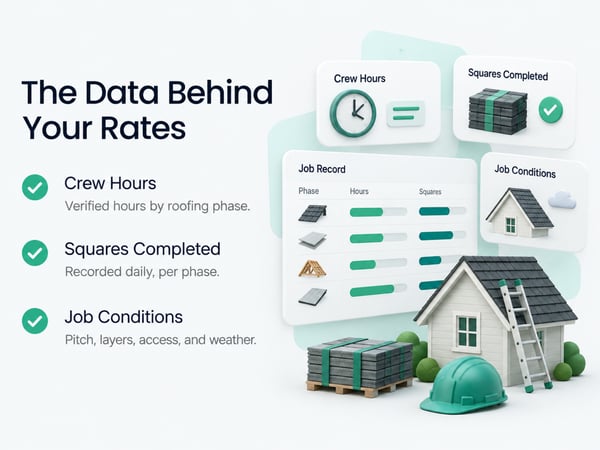
Accurate production rates need three inputs on every job: verified hours, completed quantity, and job conditions.
- Verified crew hours by phase. Hours by cost code, for example tear-off, decking, underlayment, shingle install, flashing and details, cleanup. GPS time tracking with cost code selection at clock-in captures this automatically. Paper timesheets produce a total with no phase breakdown, which defeats the purpose.
- Quantity completed. Squares installed per phase, measured from the contract or the supplier's report, adjusted for waste and changes. Record it at the end of each day or each phase.
- Job conditions. The factors that explain why one job ran fast and another slow:
- Roof pitch (steeper slows work)
- Number of stories and access
- Roof complexity: valleys, hips, dormers, penetrations
- Material type: asphalt shingle, metal, tile, flat roof system
- Tear-off layers
- Decking repair needed
- Weather delays
- Crew size and experience
- Staging and material handling
Without conditions, a rate is just a number. With them, it becomes a tool you can apply to new bids.
Setting Up Cost Codes for Roofing Phases
Use a short, consistent list of cost codes so every job produces comparable data. Too many codes and workers pick randomly. Too few and you cannot tell where hours went.
Suggested roofing cost codes:
- Tear-off and disposal
- Decking repair and replacement
- Underlayment and ice and water shield
- Drip edge, starter, and valleys
- Shingle or primary roofing install
- Flashing, penetrations, and details
- Ridge and hip caps
- Cleanup and magnetic sweep
- Change order work (separate from original scope)
- Weather standby or delay
- Punch list and callbacks
Keep change order work and weather delay separate. They explain overruns that are not production problems, and they let you bill extra work and spot patterns. For setting up time tracking by crew, see time tracking for construction workers and construction time tracking software.
Calculating Your Rates Step by Step
You need about 8 to 10 similar jobs before a rate is reliable. Start calculating after the first few and refine as data grows.
Step 1: Group jobs by type. Compare like with like. For example: simple asphalt re-roof under 40 squares, steep or complex asphalt roof, metal roof, flat roof.
Step 2: For each job, compute hours per square by phase.
Example for one job (30 squares):
|
Phase |
Hours |
Hours per square |
|---|---|---|
|
Tear-off and disposal |
18 |
0.60 |
|
Decking repair |
6 |
0.20 |
|
Underlayment and ice and water |
10 |
0.33 |
|
Shingle install |
22 |
0.73 |
|
Flashing and details |
6 |
0.20 |
|
Ridge and cleanup |
4 |
0.13 |
|
Total |
66 |
2.20 |
Step 3: Average across jobs of the same type. Use the median as well as the average, since one disastrous job can skew the mean.
Step 4: Record the range, not just the average. A job type that runs between 1.8 and 2.6 hours per square tells you how much risk to build into the bid.
Step 5: Adjust for factors. Create a simple multiplier table, for example +15% for steep pitch or +10% for two stories, based on your own comparisons.
Step 6: Review quarterly. Crews improve, materials change, and rates drift.
Factors That Change Production and How to Handle Them
Do not bury these in a single average. Track them so you can adjust.
|
Factor |
Typical effect |
How to handle |
|---|---|---|
|
Steep pitch |
Slower install, more safety setup |
Add a pitch multiplier |
|
Multiple stories |
Slower material handling |
Add an access multiplier |
|
Complex roof (many valleys, hips, dormers) |
More cutting and flashing |
Group as a separate job type |
|
Multiple tear-off layers |
More tear-off time and disposal |
Price tear-off separately by layer |
|
Decking repair |
Unpredictable |
Use unit pricing and change orders |
|
Hot or cold extremes |
Slower work, material limits |
Plan scheduling by season |
|
Weather interruptions |
Lost days |
Track as standby hours |
|
New crew members |
Lower early productivity |
Track by crew, not just company |
|
Tight access |
Slower staging |
Note on the job record |
Hidden decking damage is the biggest unknown. Put unit pricing for decking replacement in the contract and document each find with photos and approval before work proceeds. See how to negotiate a construction contract for the clauses that make this enforceable.
Using Production Rates in Bids
Once you have measured rates, labor pricing becomes arithmetic instead of instinct.
Labor cost = squares × hours per square × loaded hourly cost
Example:
- 36 squares, simple asphalt re-roof
- Your measured rate: 2.2 hours per square
- Loaded labor cost: $42 per hour (wages plus payroll taxes, insurance, and benefits)
- Labor: 36 × 2.2 × $42 = $3,326
Then add:
- Materials and waste
- Disposal and equipment
- Overhead and profit
- Contingency based on your range
If your rate ranges from 1.8 to 2.6 hours per square, you can see that labor on this job could run roughly $2,720 to $3,930. Decide how much of that risk you price into the bid.
The loaded labor cost matters. Wages alone understate cost. See contractor profit and loss statement for how overhead and burden fit into margin, and how to win construction bids for pricing strategy built on historical data.
Using Production Rates in Scheduling
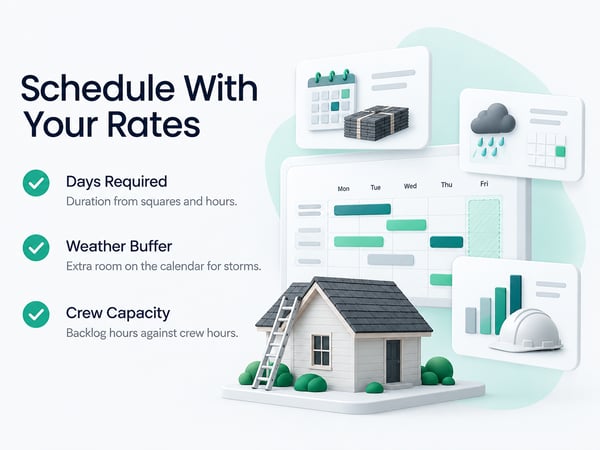
Rates turn "how long will this take" into an answer you can defend to a customer.
Days required = (squares × hours per square) ÷ (crew size × hours per day)
Example:
- 36 squares × 2.2 hours per square = 79 labor hours
- Crew of 4 working 8 hours per day = 32 labor hours per day
- Days required: 79 ÷ 32 = about 2.5 days
Plan three days on the calendar and build in a weather buffer. When storms or a busy season stack up jobs, you can calculate capacity honestly:
- Crew capacity per week = crew size × hours per day × days per week
- Compare to the labor hours in your backlog
- Add crews, subs, or longer lead times before promising dates
Accurate scheduling reduces the late-job problems described in construction project delay and protects cash flow. See construction cash flow management for planning around seasonal swings.
Using Rates to Catch Problems Early
The best use of production data is a mid-job warning.
On day one of a 3-day job, check the first day's hours against the plan:
- Planned: 32 hours per day
- Actual day-one hours: 32, but only 8 squares completed against 12 planned
- Signal: the job is running about 33% slow
Find out why that day, while it is fixable. Possible causes: unexpected decking repair, slow material delivery, steep pitch worse than estimated, crew inexperience. Decide whether to add labor, issue a change order, or adjust the schedule.
The weekly review should compare actual vs. planned hours by phase for every active job. See construction WIP report for tracking profitability during a job. Crews that see the dashboard daily tend to hit rates more consistently, because the numbers are visible.
Comparing Crews Fairly
Production data can improve training and pay, but only if it is used fairly.
Compare crews on similar jobs, with the same conditions, over several jobs. A crew assigned to the hardest roofs will look slower on raw averages. Use the data to:
- Find best practices from your fastest crew and share them
- Spot training needs on specific phases, such as flashing or valley work
- Identify which crew is best suited to complex or steep roofs
- Set realistic targets by crew experience
- Reward consistent quality, not only speed
Speed without quality produces callbacks and warranty claims. Track callbacks and punch list hours next to production so you reward the whole picture. See construction defect claims for what a rushed job can cost later.
Handling Subcontracted Crews
If you use sub crews, ask for the same production data or track it yourself.
- Compare sub price per square to your own labor cost per square
- Track squares completed per sub crew per day on your jobs
- Require photo documentation to the same standard as your own crews
- Compare sub invoices to completed scope before paying
A sub who is cheaper per square but generates more callbacks may cost more overall. See how to fire a subcontractor for documenting performance when problems repeat.
Copy-Ready Production Tracking Sheet
Use this structure per job, or build it into your time tracking and job cost system.
Job header: Address | Job # | Roof type | Pitch | Stories | Layers | Total squares | Crew size | Dates
Phase table: Phase | Squares | Labor hours | Hours per square | Weather delay hours | Notes
Condition notes: Complexity | Access | Decking repair | Change orders | Weather | Other
Summary: Total hours | Total hours per square | Compared to bid | Variance | Reason for variance
After the job: What ran faster than expected | What ran slower | What would change the bid next time
One-Page Checklist for Building Your Rates
Setup
- [ ] Cost codes defined by roofing phase
- [ ] Change order and weather delay codes separated
- [ ] GPS clock-in with cost code selection in use on every crew
- [ ] Squares installed recorded per phase or per day
- [ ] Job conditions recorded on every job
Analysis
- [ ] Jobs grouped by type
- [ ] Hours per square calculated by phase
- [ ] Averages, medians, and ranges recorded
- [ ] Adjustment multipliers drafted for pitch, stories, and complexity
- [ ] Rates reviewed quarterly
Application
- [ ] Bids use measured labor rates and loaded labor cost
- [ ] Schedules use rates and include a weather buffer
- [ ] Day-one check compares actual to planned
- [ ] Weekly review of hours vs. plan by phase
- [ ] Callbacks and punch list hours tracked alongside production
For platform selection, see top 5 time tracking apps, top 5 BusyBusy alternatives, and the side-by-side TaskTag vs. BusyBusy. For mobile outdoor crews with similar tracking needs, see time tracking for landscapers.
Related Resources
Role Guide:
- Roofing Project Manager Role Guide: responsibilities and daily routines
TaskTag Features:
- GPS Time Tracking for Construction: verified hours by job and cost code
- Construction Time Tracking Software: platform overview and setup
- Time Tracking for Construction Workers: crew clock-in guide
- Top 5 Time Tracking Apps: platform comparison
- Top 5 BusyBusy Alternatives: alternatives guide
- TaskTag vs. BusyBusy: feature comparison
- Time Tracking for Landscapers: tracking for mobile crews
Related Blog Posts:
- How to Win Construction Bids: pricing from historical data
- Contractor Profit and Loss Statement: overhead and margin
- Construction WIP Report: active job profitability
- Construction Cash Flow Management: seasonal planning
- Construction Project Delay: scheduling and delay documentation
- How to Negotiate a Construction Contract: unit pricing and change orders
- Construction Defect Claims: the cost of rushed work
- How to Fire a Subcontractor: documenting sub performance