

Managing a punch list is one of the most frustrating parts of job closeout — especially when...
What Are As-Built Drawings?
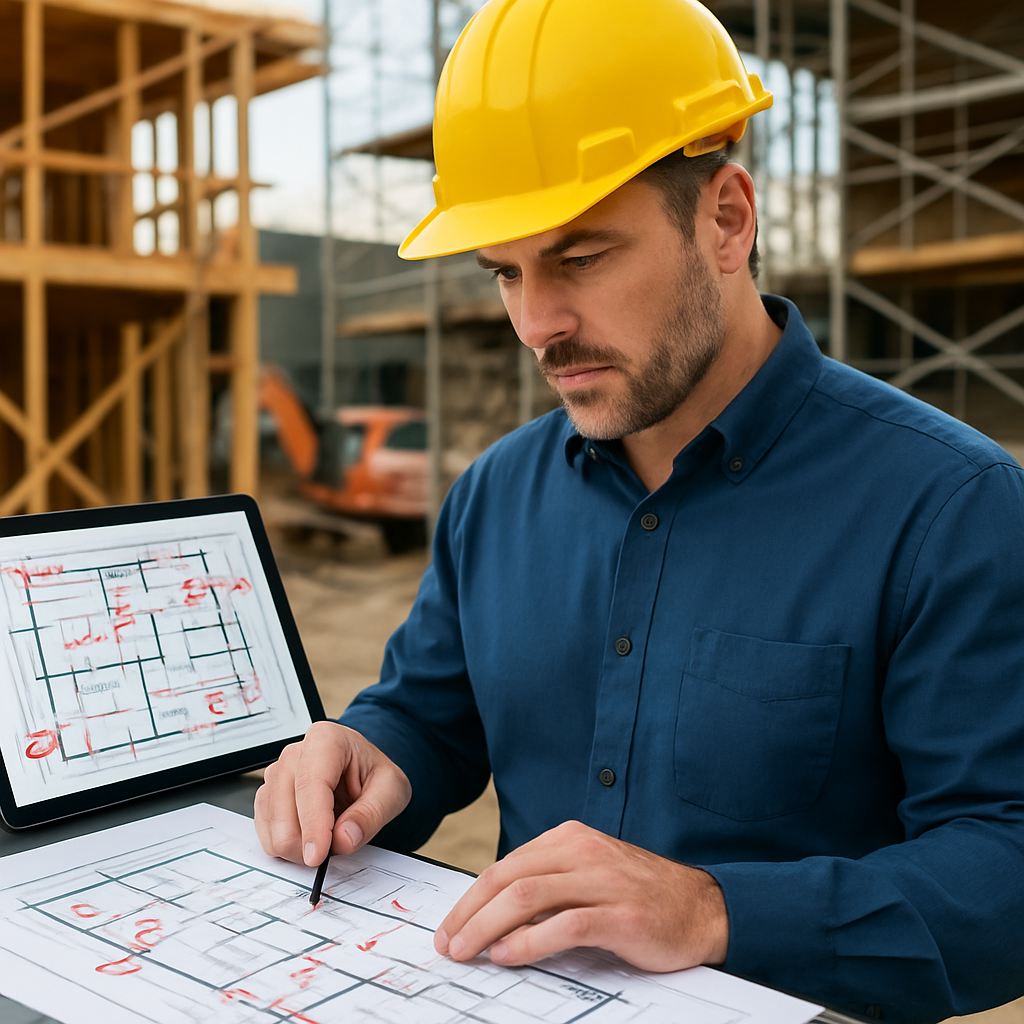
As-built drawings are the final set of construction documents that reflect exactly how a project was built — including field changes, modifications, and deviations from the original design plans.
They serve as a critical record for:
- Building maintenance and operations
- Future renovations or expansions
- Legal and compliance documentation
- Project closeout submittals
Many contractors now manage redlines digitally using construction photo documentation software to ensure updates are captured in real time.
Who Is Responsible for As-Built Drawings?
Responsibility for as-builts is shared — but ultimately centralized through the general contractor.
General Contractors – The Primary Owner
The general contractor (GC) is typically responsible for compiling and submitting the complete set of as-built drawings at project closeout.
This includes:
- Collecting updates from subcontractors
- Marking up plan changes
- Verifying field deviations
- Submitting final documentation to the owner
Many GCs rely on project management software for general contractors to centralize documentation and coordinate redline submissions across trades.
Subcontractors – Detail-Level Contributors
Each subcontractor is responsible for tracking changes specific to their scope of work:
- Mechanical
- Electrical
- Plumbing
- Framing
- Roofing
These updates are submitted to the GC for consolidation.
For trade contractors, using photo documentation for contractors makes it easier to tag field conditions to specific locations and scopes of work.
Project Engineers or Field Supervisors – Real-Time Tracking
Field engineers and site supervisors often maintain daily or weekly redlines on printed or digital drawings.
Their role is critical in:
- Capturing changes as they happen
- Logging RFI-driven modifications
- Recording change order adjustments
- Updating dimensions and elevations
Digital platforms that provide jobsite photos & daily progress tracking reduce the risk of missing important updates.
Architects or Designers – Final Verification
In some projects, architects review and approve as-builts during closeout, especially when required for:
- Permit sign-offs
- Certificate of occupancy
- Owner turnover documentation
To better understand structured closeout workflows, review this construction project management guide.
What Goes Into an As-Built Drawing?
A complete as-built set typically includes:
- Field conditions that differ from original plans
- Relocated walls, doors, or equipment
- Changes in dimensions, elevations, or materials
- Modifications from RFIs and change orders
- Notes on hidden systems (buried conduit, rebar, utilities)
Contractors often manage these updates within centralized construction management tools & features to ensure nothing is lost during turnover.
What Happens If As-Builts Are Incomplete?
Incomplete or missing as-built drawings can lead to:
- Delayed closeout approval
- Withheld final payment
- Increased liability exposure
- Costly future renovation errors
- Loss of institutional knowledge
You can see how improved documentation strengthened project communication in this construction project management case study.
For logistics-heavy projects, this construction delivery tracking case study demonstrates how centralized documentation prevents confusion during turnover.
How TaskTag Simplifies As-Built Documentation
Manual redlines and paper markups increase risk.
With TaskTag, contractors can:
- Tag photos to exact plan locations
- Annotate images with notes and markups
- Assign redline updates to subcontractors
- Maintain time-stamped documentation
- Export organized closeout records
If you're comparing documentation platforms, the TaskTag vs CompanyCam comparison outlines how structured task-based documentation improves closeout accuracy.
For roofing contractors managing storm-related changes, roofing contractor project management software can help centralize field updates.
Take Control of Your As-Built Process
Accurate as-built drawings protect your company, reduce disputes, and speed up project turnover.
Create your account and start your free TaskTag account today.
Schedule a walkthrough and book a TaskTag demo.
Explore available TaskTag pricing plans to find the right option for your team.
Learn more about TaskTag, explore additional construction management resources, and stay updated with TaskTag product updates.
Download and manage documentation directly from the field with the TaskTag mobile app.
.png?height=200&name=1%20(27).png)